

Are you ready to transform your projects with eye-catching custom designs? Printing on 3M vinyl wrap can take your creativity to the next level, whether you’re customizing vehicles, signs, or personal items.
But getting it right isn’t always simple. You might wonder how to achieve vibrant colors, sharp details, and long-lasting results without wasting material or money. This guide will walk you through the exact steps you need to print on 3M vinyl wrap like a pro.
By the end, you’ll feel confident to create stunning prints that grab attention and last. Keep reading to discover the secrets that make your prints stand out every time.

Credit: www.3m.com
Choosing The Right 3m Vinyl
Choosing the right 3M vinyl is key to a successful print project. It affects the look, feel, and durability of your wrap. Understanding different types and their features helps you pick the best option. This guide covers the main points to consider before printing on 3M vinyl wrap.
Types Of 3m Vinyl Wraps
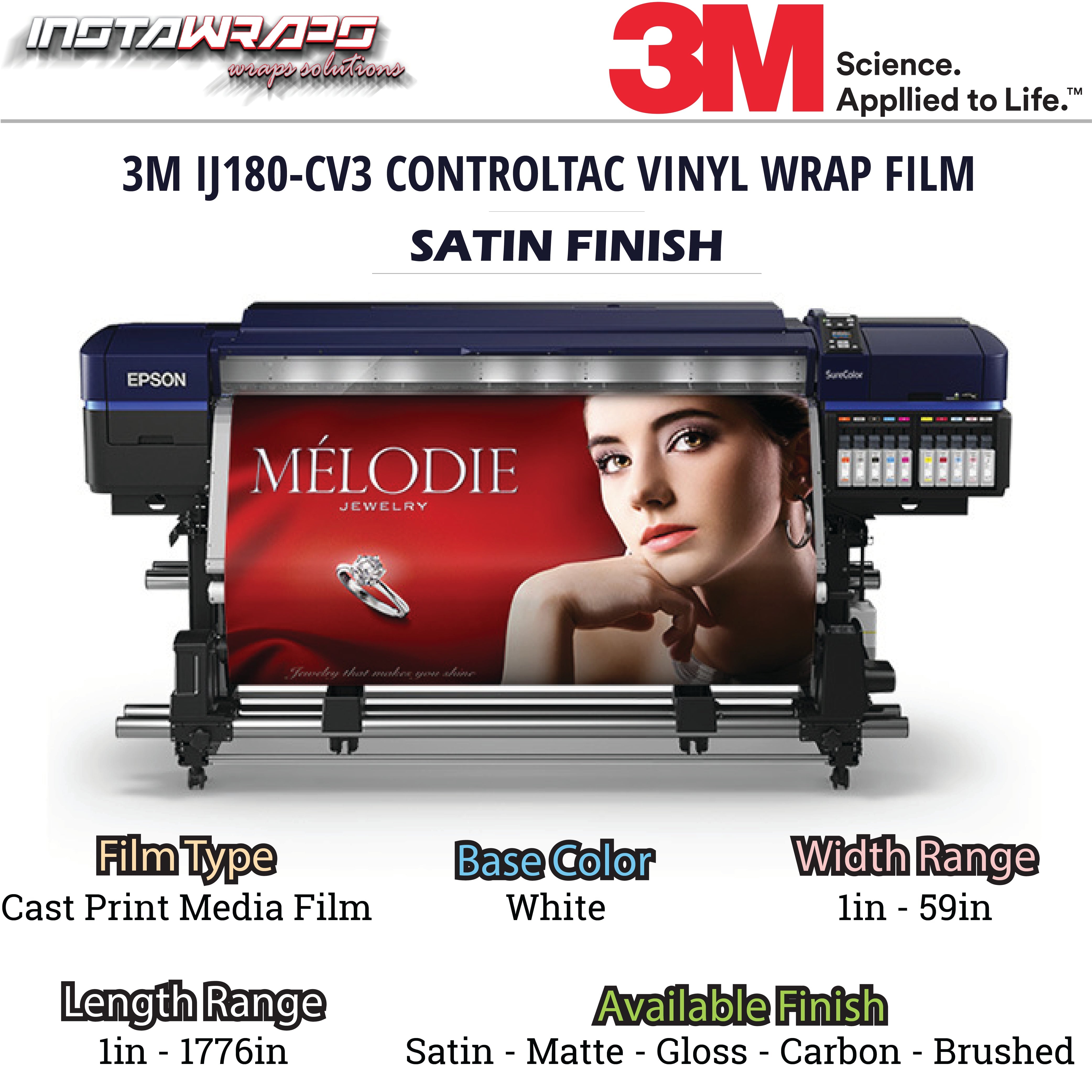
3M offers many vinyl wrap types. Each type suits different uses and surfaces. For car wraps, 3M 1080 and 2080 series are popular. They have a smooth finish and stretch well. For textured surfaces, 3M Wrap Film Series 1380 works better. It has a matte finish and hides imperfections. Choose a vinyl type that fits your project’s needs and style.
Surface Compatibility
Not all 3M vinyl wraps stick well to every surface. Smooth, clean surfaces give the best results. Metals, plastics, and painted surfaces are good options. Avoid rough or dirty surfaces; vinyl may peel or bubble. Test a small area first. This ensures the vinyl will adhere properly and last longer.
Durability Considerations
Durability depends on vinyl type and environment. 3M vinyl wraps last from 5 to 10 years outdoors. UV resistance and weatherproofing keep colors bright. For harsh climates, pick vinyl with higher durability ratings. Proper care, like cleaning and avoiding harsh chemicals, extends the wrap’s life. Consider how long your wrap needs to last before choosing.
Credit: www.instawrapshop.ca
Preparing Your Design
Preparing your design is a key step before printing on 3M vinyl wrap. It ensures your final print looks sharp and professional. Taking time to set up your file correctly saves you from mistakes and wasted material. Focus on three main areas: color profiles and resolution, file formats and size, and bleed and margins.
Color Profiles And Resolution
Choose the right color profile for printing. Use CMYK color mode to match printer inks. RGB colors may look different when printed. Set the resolution to at least 300 DPI. This keeps images clear and details sharp. Low resolution causes pixelation and blurriness on vinyl.
File Formats And Size
Save your design in a format accepted by printers. PDF, TIFF, and EPS files work best. These formats keep colors and layers intact. Keep file size manageable to avoid slow printing. Large files may cause errors or delays. Compress images slightly but keep quality high.
Bleed And Margins
Extend your design beyond the trim edge with bleed. A bleed of 1/8 inch prevents white edges after cutting. Keep important text and logos inside safe margins. Margins stop key elements from being cut off. Double-check measurements to match the vinyl wrap size.
Printer And Ink Selection
Selecting the right printer and ink is key to printing on 3M vinyl wrap. The printer must handle wide formats and produce sharp, vibrant colors. Ink choice affects durability and color quality on vinyl surfaces. Both elements work together to ensure your print lasts and looks professional.
Compatible Printers For Vinyl
Not all printers work well with 3M vinyl wrap. Large format inkjet printers are best. They print wide images without losing quality. Look for printers that support media thickness and texture of vinyl. Popular brands include Epson, Roland, and Mimaki. These printers offer precision and color accuracy.
Choosing The Best Ink
Use solvent, eco-solvent, or UV-curable inks for 3M vinyl. These inks stick better and resist fading. Solvent inks are strong and waterproof. Eco-solvent inks are less harsh and safer indoors. UV inks dry fast and offer high durability. Avoid dye-based inks; they fade quickly on vinyl.
Maintenance Tips
Keep your printer clean for best results. Wipe printheads regularly to avoid clogs. Use original ink cartridges to maintain print quality. Store vinyl rolls in a cool, dry place to prevent damage. Run test prints before full jobs to check color and alignment.
Setting Up The Print Job
Setting up the print job on 3M vinyl wrap requires careful attention. The right settings help produce sharp and lasting prints. Preparing the printer correctly saves time and materials. Follow each step closely for best results.
Printer Settings For 3m Vinyl
Select the correct media type in your printer software. Choose “Cast Vinyl” or “Glossy Vinyl” if available. Set the print quality to high or best mode. Use the recommended ink type for 3M vinyl. Adjust the color profile to match 3M specifications. Disable any automatic color correction to avoid distortion. Set the printer to use the correct vinyl thickness.
Test Prints And Adjustments
Always run a small test print before the full job. Check the colors and sharpness on the test print. Look for ink smudges or uneven printing. Adjust the printer settings based on the test results. Change the color profile or print speed if needed. Repeat test prints until the output looks perfect. This step prevents costly mistakes on large prints.
Handling Large Prints
Large prints need extra care during setup. Use a wide-format printer designed for vinyl. Load the vinyl smoothly to avoid wrinkles or bubbles. Align the print job properly to fit the vinyl size. Monitor the print progress to catch issues early. Allow the ink to dry completely before rolling or cutting. Store large prints flat or rolled loosely to prevent damage.
Post-printing Care
Post-printing care is crucial for achieving the best results on 3M vinyl wraps. This stage ensures the print stays vibrant and lasts longer. Proper handling after printing protects your work from damage and fading. Follow these steps to maintain quality and durability.
Drying And Curing Times
Allow the print to dry completely before touching it. Drying times depend on the type of ink used. Most inks need at least 24 hours to cure fully. Keep the print in a dust-free, ventilated space during this time. Avoid stacking or rolling the vinyl too soon. Proper curing enhances adhesion and color stability.
Lamination Options
Lamination adds a protective layer over the print. It guards against scratches, UV rays, and moisture. Choose between gloss, matte, or satin finishes based on your preference. Apply lamination using a cold or hot laminator. Make sure the surface is clean and dry before laminating. This step increases the wrap’s lifespan significantly.
Cutting And Weeding
Cut the vinyl carefully after lamination. Use a sharp blade for clean edges and precise shapes. Weeding removes excess vinyl around your design. Do this slowly to avoid tearing the print. Use weeding tools to lift small details gently. Neat cutting and weeding improve the final appearance of the wrap.
Application Tips For Vinyl Wraps
Applying 3M vinyl wrap requires careful steps to get the best results. Proper technique helps the wrap stick well and look smooth. Follow these tips for a clean, professional finish that lasts long.
Surface Cleaning
Start with a clean surface. Dirt, dust, and grease prevent the vinyl from sticking properly. Use a mild detergent or isopropyl alcohol to wipe the area. Let it dry completely before applying the wrap.
Aligning And Positioning
Place the vinyl carefully before sticking it down. Use light pressure to hold it in place. Check the alignment from different angles. Adjust the position until it fits perfectly. This prevents mistakes and wasted material.
Avoiding Bubbles And Wrinkles
Use a squeegee to smooth the vinyl as you apply it. Start from the center and push outwards. Work slowly to release trapped air. Heat the vinyl lightly with a heat gun to make it more flexible. This helps remove wrinkles and bubbles easily.
Troubleshooting Common Issues
Printing on 3M vinyl wrap can sometimes cause issues. These problems may affect the quality and durability of your print. Identifying and fixing these issues quickly keeps your project on track. This section covers common problems and easy solutions.
Ink Smudging And Fading
Ink smudging happens when the ink is still wet or the surface is not ready. Let the ink dry completely before touching the vinyl. Use the correct ink type recommended for 3M vinyl. Fading occurs due to sunlight or poor ink quality. Choose UV-resistant inks to keep colors bright longer.
Adhesion Problems
Adhesion issues cause the vinyl to peel or lift from the surface. Clean the surface well before applying the vinyl. Dirt and oil reduce stickiness. Use a primer designed for vinyl to improve adhesion. Avoid applying vinyl on cold or wet surfaces. Warm and dry conditions help the vinyl stick better.
Print Misalignment
Print misalignment makes the design look uneven or off-center. Check printer settings before printing. Use guides or marks to align the vinyl properly. Avoid moving the vinyl during printing. Secure the vinyl firmly to prevent slipping. Regularly calibrate your printer for precise results.
Credit: alwanwraps.com
Frequently Asked Questions
What Printer Is Best For 3m Vinyl Wrap Printing?
A solvent or eco-solvent inkjet printer works best for 3M vinyl wrap. These printers ensure vibrant, durable prints that adhere well. They prevent ink cracking and peeling, maintaining high-quality visuals for long-term use.
How Do I Prepare 3m Vinyl Wrap For Printing?
Clean the vinyl surface thoroughly to remove dust and oils. Use a lint-free cloth and isopropyl alcohol. Ensure the vinyl is flat and free from wrinkles before printing for the best results.
Can I Print Directly On 3m Vinyl Wrap?
Yes, you can print directly on 3M vinyl wrap using compatible printers and inks. Make sure to use solvent or eco-solvent inks to ensure proper adhesion and durability of the print.
What Settings Optimize Print Quality On 3m Vinyl?
Set your printer to high resolution (at least 720 dpi). Use slow print speeds and correct color profiles. These settings enhance detail, color accuracy, and ink bonding on the vinyl surface.
Conclusion
Printing on 3M vinyl wrap is simple with the right steps. Clean the surface well before printing. Use proper printer settings for best results. Handle the vinyl carefully to avoid wrinkles or bubbles. Let the print dry completely to prevent smudging.
Following these tips helps create clear, lasting prints. Practice a few times to gain confidence. Enjoy customizing your projects with 3M vinyl wrap!


